
Delivering for clients
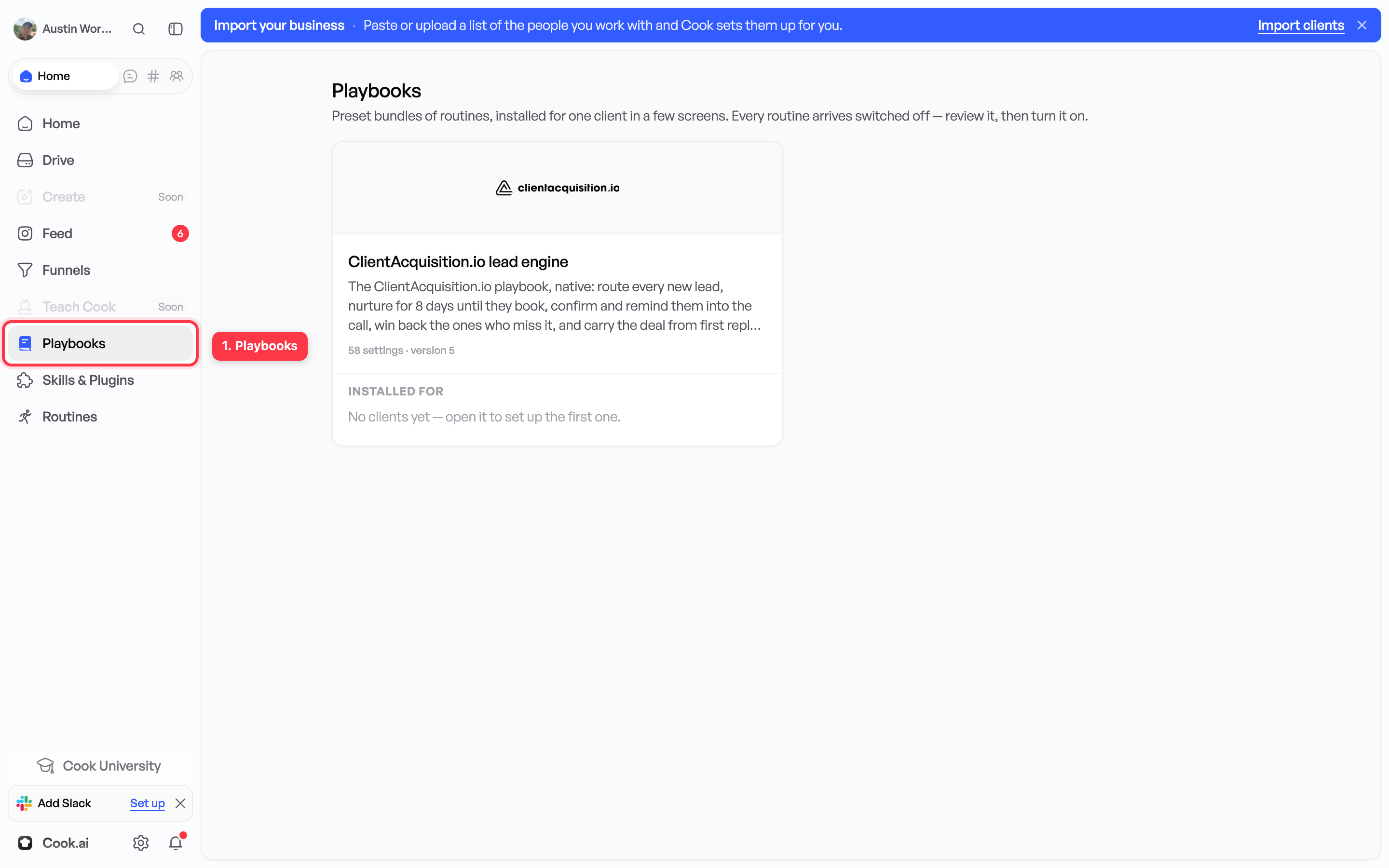
Build a playbook for your systems
A whole set-up saved once and reused. Mostly useful if you set up the same thing for business after business.
Most people never need a playbook. If you run one business, build routines and stop there. A playbook only starts paying off when you set up the same thing for a second, third and fourth business.
A playbook is a saved set-up you can reuse. Instead of rebuilding the same routines and rules every time, you install the playbook and fill in what is different: the name, the links, the wording.
Typically the same set-up means:
- the same text message when an enquiry arrives;
- the same follow-up email the next day;
- the same appointment reminder;
- the same rules about response time, pricing and tone.
This 70-second video shows someone creating a playbook and installing it.
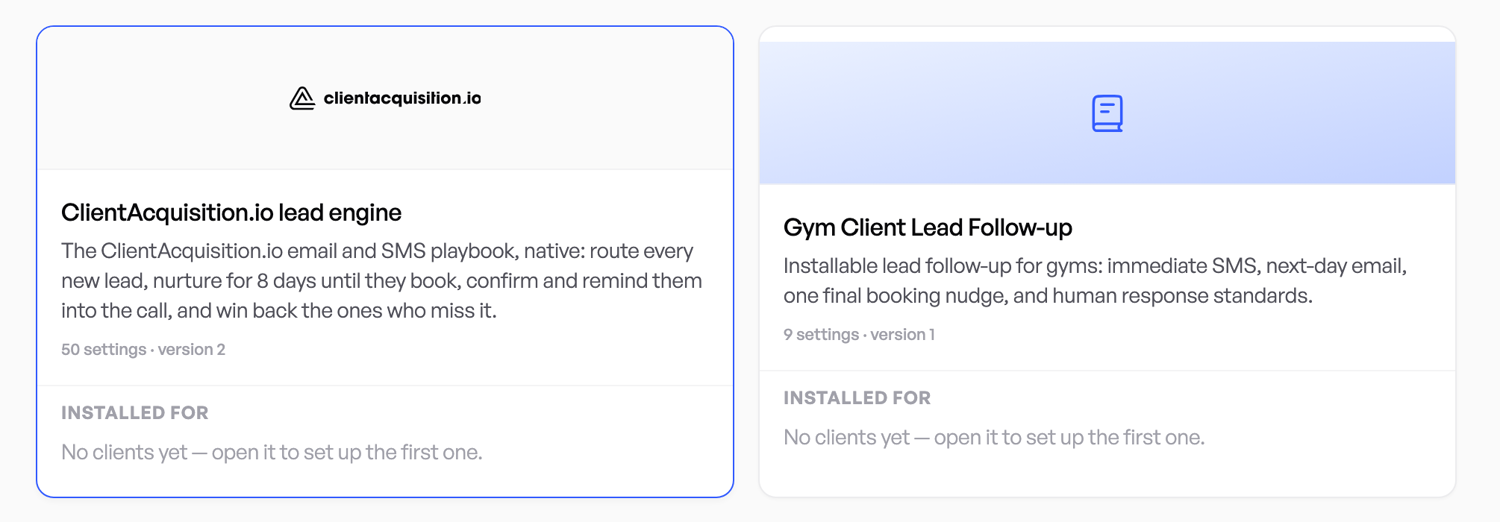
What is inside one
A playbook holds routines and standards.
Routines do the work
A routine waits for something to happen, then follows a set of steps. For example: an enquiry arrives, send a text, wait one day, send an email, tell your phone.
Cook does not need to be open. A routine runs after you switch it on. See Answering people without doing it yourself.
Standards are the rules
A standard is a written rule that Cook follows on every job. For example:
- Reply within one hour.
- Never quote a price by text.
- Confirm the address before booking.
Standards apply to your whole workspace, so Cook asks you to approve one before adding it.
What “client” means here
A client is a folder that holds the work for one business.
If you run one business, you have one client and it is your own business. It is already there. When these pages say “install the playbook for a client”, that means your own business, and there is nothing to create first.
If you do marketing for other companies, you add one client per company. Their routines, wording and links stay separate from each other.
What happens when you install one
- Cook makes a separate copy of the set-up for that one client.
- Every routine it creates is switched off.
- Nobody is messaged until you test a routine and switch it on.
- Any other client’s wording and links are untouched.
When it is worth the trouble
- You are setting up the same thing for business after business.
- Rules that matter live only in your head or in a document nobody opens.
- Somebody else has to do the set-up without getting it wrong.
You can use a playbook that came with Cook, or describe your own in plain English.
Next step
Your first client on your playbook. Cook shows you every part before it creates anything.