
Getting stuff done
Answering people without doing it yourself
A routine is one job Cook does without you — on a schedule, or every time something happens.
A routine is one job that Cook does on its own, over and over.
Two kinds:
- On a schedule. Every Monday at 8am, send me last week’s numbers.
- When something happens. Whenever someone fills in my form, text them within two minutes, then email them the next day if they have not replied.
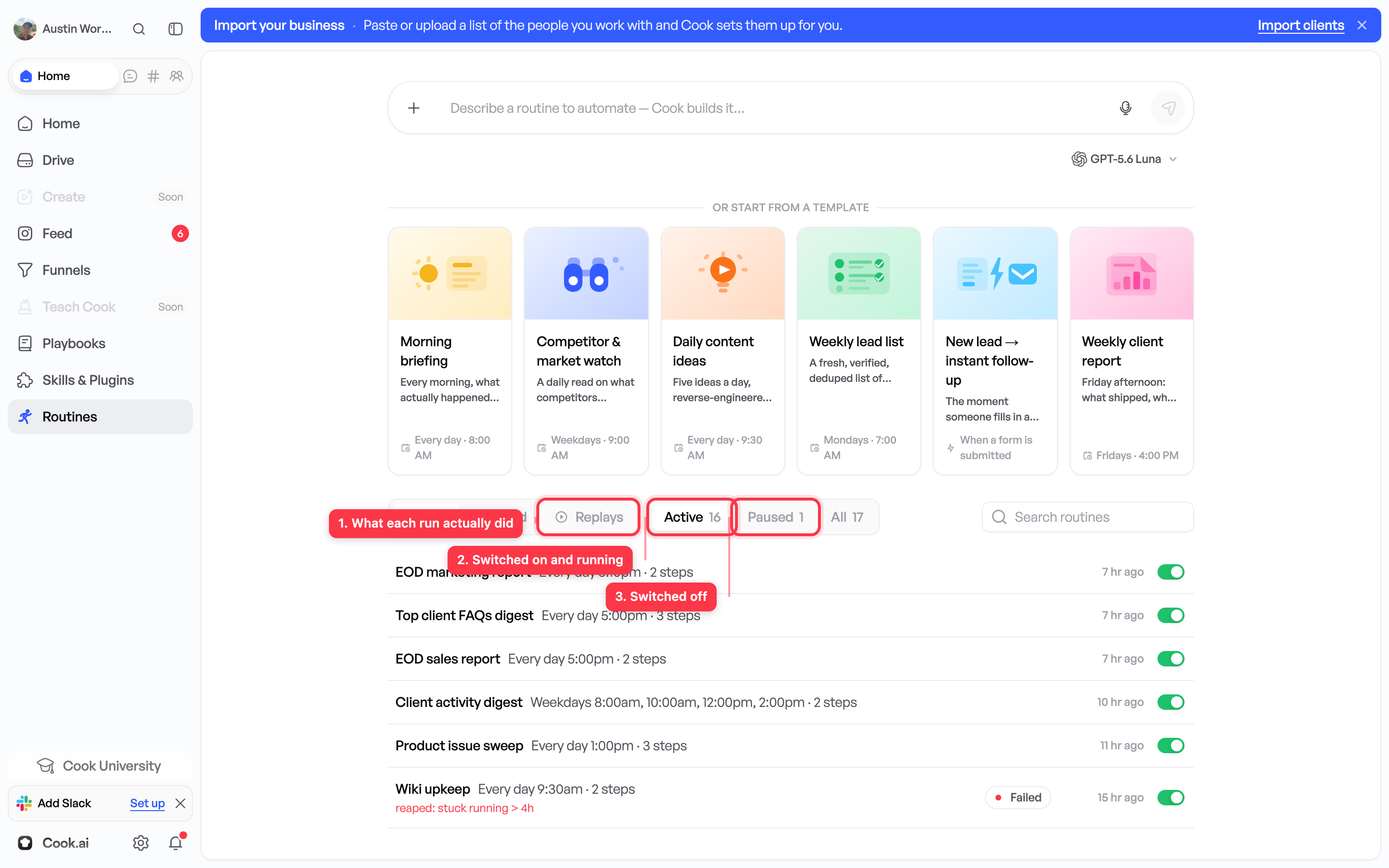
A routine keeps running when your laptop is shut and Cook is closed. In the routines list each one shows its own state: Off until you switch it on, Live once it is running, and Waiting while it sits between steps.
Ask for one
Describe the job in a chat, the way you would explain it to someone you just hired:
When someone fills in my quote form, text them straight away saying I’ll call within the hour, and let me know on my phone.
Say three things and you have said enough:
- When it should start — a time, or a thing that happens.
- What should happen, and in what order — including how long to wait between steps.
- Where it should tell you — which conversation or channel gets the alert.
Cook turns that into a list of steps you can read and change.
Every routine starts switched off. A routine you have just made does nothing at all. It cannot text anybody. It waits until you turn it on yourself.
Test it before you turn it on
Open the routine and press Test. Cook runs the whole thing with a made-up person so you can read exactly what would be sent. Nothing reaches a real customer.
While you read it, check:
- The words. Do they sound like you? Read them out loud.
- The waits. Is one day right, or is one hour right?
- The links. Open every one.
- The order. Do the steps happen in the sequence you meant?
Build the page first. A routine that waits for new enquiries can only work if enquiries are arriving from somewhere. Build the page that collects them first, or point the routine at a form you already have. Otherwise the routine is switched on, correct, and doing nothing — and it looks broken when it is not.
Then turn it on
Switch it on and it starts working the next time its starting event happens. It does not go back and handle things that happened before you turned it on.
One more thing: editing a message does not change a sequence that is already part-way through for someone. New runs use the new wording.
Check the first few real runs
The run history shows every occasion the routine ran: what it did, when, and what came back. Read the first few real ones. Expect to change some wording once you see how people actually reply.
To stop it
Turn it off. It stops immediately and it is not deleted. Fix it, test it, turn it back on.
Where to find it
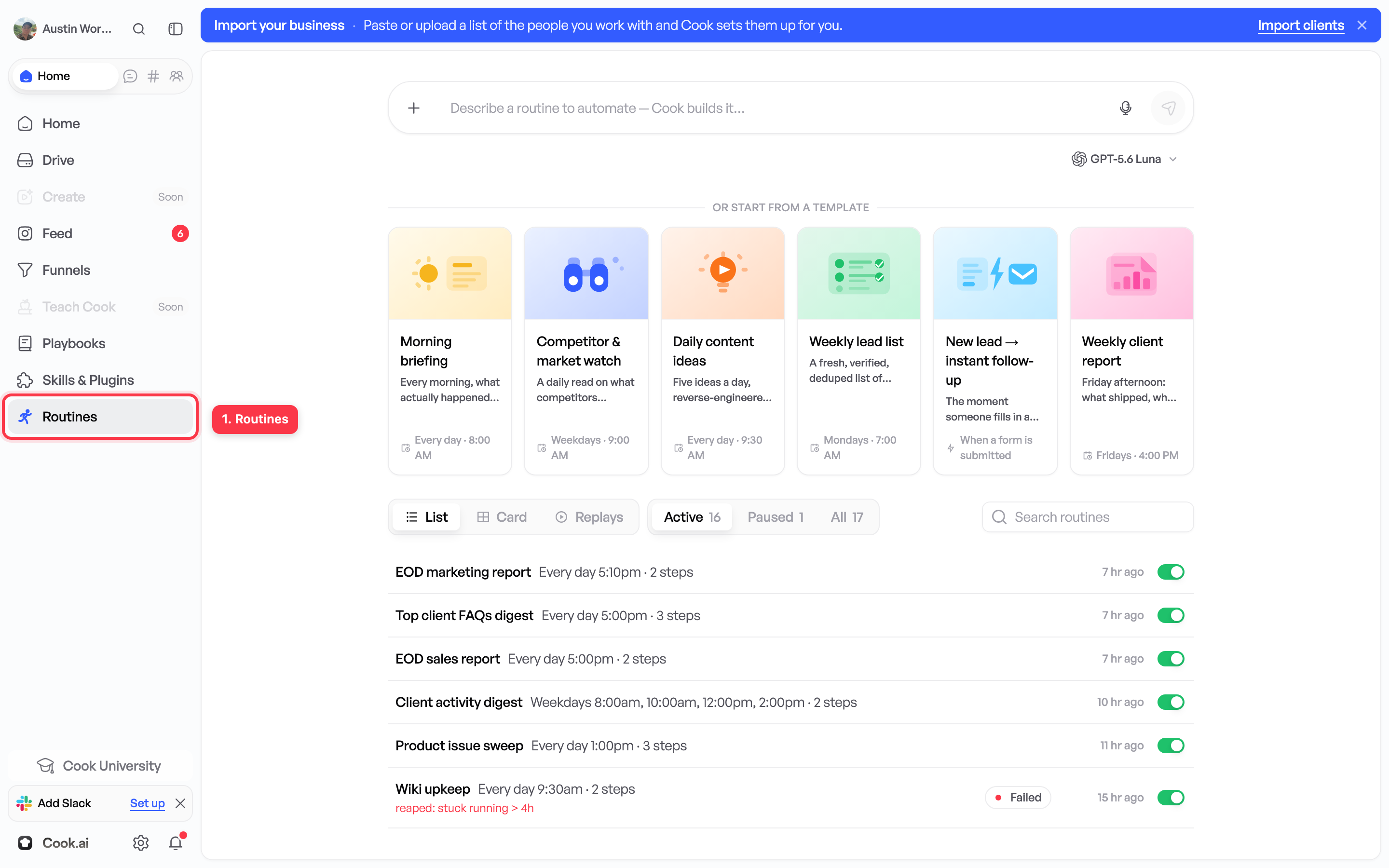
Open Routines from Home in the sidebar. The list shows when each routine last ran.
One job, or a whole setup?
A routine is one job. If you find yourself building the same group of routines again for another business, that group can be saved and reused — that is a playbook. Most people with one business never need one.
What to read next
How to approve work — the rules about what Cook may send while you are not watching.