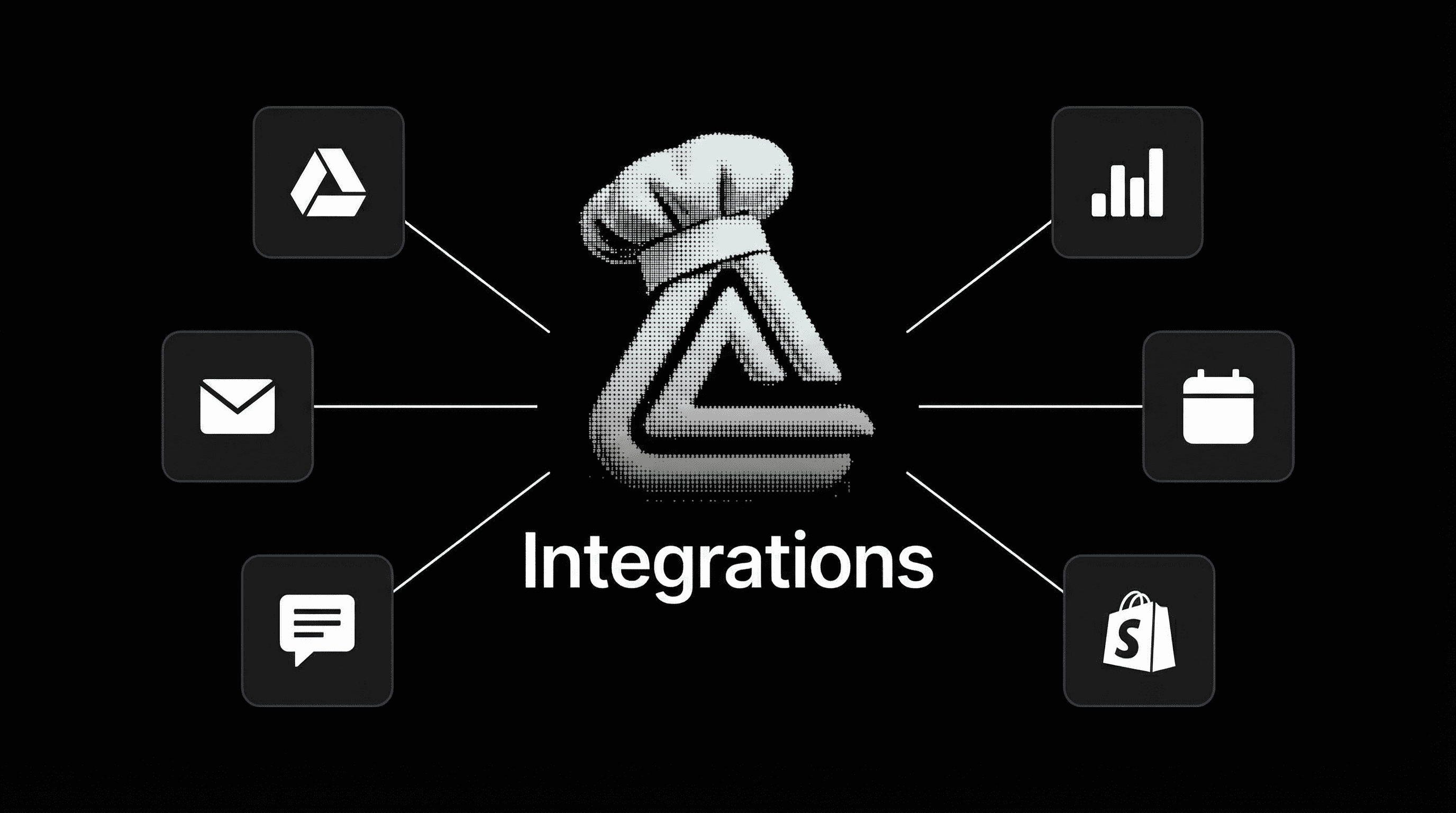
How TryCook Connects Your AI Agents to Every Tool You Already Use
TryCook's secure integrations layer — powered by Composio — gives your AI agents OAuth-authenticated access to Google Drive, Slack, CRM, email, and 250+ apps. No API keys. No code. Just connected agents that actually do things.
Every AI platform can generate text. Very few can actually do things in your business.
TryCook's agents don't just write copy and answer questions. They read your Google Drive files for market research. They update your CRM when a lead responds. They draft and send emails through your connected inbox. They pull data from your spreadsheets to inform offer positioning.
This is the difference between an AI chatbot and an AI operating system: connected agents that work inside your existing tool stack.
The Problem with Disconnected AI
Most AI tools operate in a vacuum. You paste context in, get text out, then manually copy it into your actual systems. The workflow looks like:
- Open AI tool
- Paste your context
- Get output
- Copy output
- Open your CRM / email / Drive / Slack
- Paste it in
- Repeat forever
You're the integration layer. You're the middleware between your AI and your business. That's not automation — it's extra steps with a chatbot in the middle.
How TryCook's Integrations Work
TryCook uses Composio to provide a secure OAuth integrations layer for all agents. Here's what that means in practice:
One-Click Connection
You click "Connect" next to any supported app. A standard OAuth authorization window opens — the same login flow you've used a thousand times with "Sign in with Google." You authorize, and you're done.
No API keys. No developer consoles. No .env files. No code.
Agent-Native Access
Once connected, your agents can use these tools contextually. You don't build workflows or set up triggers. The agents decide when to use which tool based on what they're trying to accomplish.
Research agent pulling competitive intelligence? It reads your Google Sheets with existing customer data to cross-reference findings.
Content agent creating a blog post? It exports the final draft directly to your Google Drive, formatted and ready.
Sales agent qualifying a lead? It checks your CRM for existing interactions, then updates the contact record with new notes.
Secure by Design
Every connection uses OAuth 2.0 — the industry standard used by Google, Microsoft, Salesforce, and every major platform. Your credentials are never stored in TryCook. Tokens are:
- Scoped — each agent only gets the permissions it needs
- Auto-refreshed — no expired tokens breaking your workflows
- Revocable — disconnect any app instantly from your dashboard
- Encrypted — tokens are managed by Composio's SOC 2 compliant infrastructure
This is the same security model you trust when you connect apps to Slack or authorize a Chrome extension. No additional risk.
What You Can Connect
TryCook's integrations layer supports 250+ apps through Composio. The most popular connections for coaches, consultants, and agencies:
Communication
- Gmail / Outlook — agents send and read emails on your behalf
- Slack — agents post updates, read channels, respond to messages
- Discord — bot deployment for community management
Productivity
- Google Drive — read docs, export content, organize files
- Google Sheets — pull data for research, export findings as spreadsheets
- Notion — sync research and content to your workspace
- Airtable — structured data for pipeline and project tracking
CRM & Sales
- HubSpot — update contacts, log activities, manage deals
- Salesforce — enterprise CRM integration for larger teams
- Calendly — book calls directly from agent conversations
Payments & Commerce
- Stripe — track payments, manage subscriptions
- Shopify — product and order management for ecommerce
Marketing
- Instagram — content publishing and DM outreach
- LinkedIn — professional networking and content distribution
- Meta Ads — campaign management and reporting
Human-in-the-Loop: You Stay in Control
TryCook's philosophy is human-in-the-loop, not human-out-of-the-loop. Your agents have access to your tools, but you maintain strategic control:
- You decide which apps to connect and which permissions to grant
- You review agent actions before they execute high-stakes operations
- You set guardrails on what agents can and can't do autonomously
- You revoke access instantly if anything needs to change
This is fundamentally different from "autonomous AI" platforms that try to replace you entirely. TryCook amplifies your judgment. It doesn't substitute for it.
Why This Matters for Your Business
The difference between a connected agent and a disconnected chatbot compounds over time:
Week 1: Your research agent pulls your existing client data from Google Sheets, cross-references it with market intelligence, and exports a positioning report to your Drive. Without integrations, you'd spend 2 hours copy-pasting between tabs.
Month 1: Your sales agent has logged 200+ interactions in your CRM, updated deal stages, and booked 15 discovery calls through Calendly — all while you focused on closing. Without integrations, those interactions live in chat logs nobody reads.
Quarter 1: Your content agent has published 30+ pieces across channels, your outreach agent has sent thousands of personalized messages through connected email, and your CRM shows the full pipeline from first touch to close. Without integrations, you'd need 3 full-time hires to match this output.
Connected agents don't just save time. They create a compounding operational advantage that disconnected AI never can.
TryCook agents plug into your existing tools — Google Drive, CRM, email, Slack, and 250+ apps. Book a demo to see how connected AI actually works.
Book a DemoHow to Get Started
- Start with Truth Engine ($97/month) — get AI-powered market research with connected Google Drive export
- Book a demo for Full Access — unlock all agents with full integrations across your entire tool stack
- Connect your apps — one-click OAuth setup, no developer required
- Let your agents work — they'll use your connected tools contextually as they research, create, and sell
The integrations layer is what separates TryCook from every other AI platform. Your agents aren't trapped in a chat window. They're embedded in your business.
250+ integrations. OAuth security. Human-in-the-loop control. See how TryCook's connected agents work inside your existing tool stack.
Book a DemoFrequently Asked Questions
What integrations does TryCook support?
TryCook connects to 250+ apps through Composio's OAuth layer, including Google Drive, Google Sheets, Gmail, Slack, HubSpot, Salesforce, Calendly, Stripe, Notion, Airtable, and more. New integrations are added continuously.
Is it safe to connect my accounts to AI agents?
Yes. TryCook uses OAuth 2.0 through Composio — the same authentication standard used by Google, Microsoft, and Salesforce. Your credentials are never stored or exposed. Tokens are automatically refreshed and scoped to only the permissions each agent needs.
Do I need API keys or developer credentials?
No. TryCook handles all OAuth flows through Composio's managed authentication. You click 'Connect', authorize through the app's standard login, and your agents are ready. No API keys, no developer consoles, no environment variables.
Can my agents read and write to Google Drive?
Yes. Once you connect Google Drive, your research agents can read documents and spreadsheets for market analysis, and your content agents can export deliverables directly to your Drive folders.
How is this different from Zapier or Make?
Zapier and Make connect apps through trigger-action workflows you build manually. TryCook's integrations are agent-native — your AI agents decide when and how to use connected tools based on context. No workflow building required.